🪜 Rearranging your lessons and cards
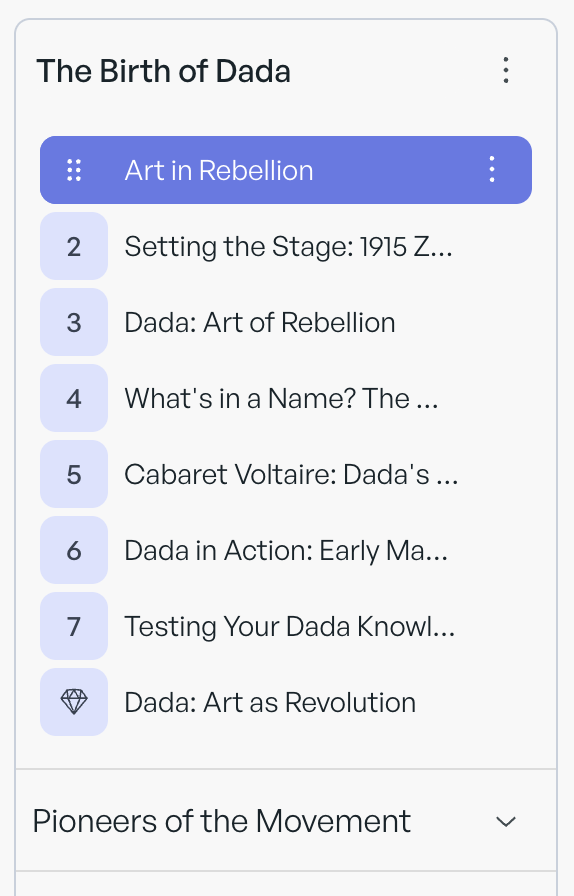
Hover on the item in the left panel.
A small drag icon will appear on the left.
Drag the item to its desired location.
You can:
Rearrange cards within a lesson
Drag a card to a different lesson
Rearrange lessons
If you are using modules, rearrange the lessons within a module