
➕ Add new card, lesson, or exam
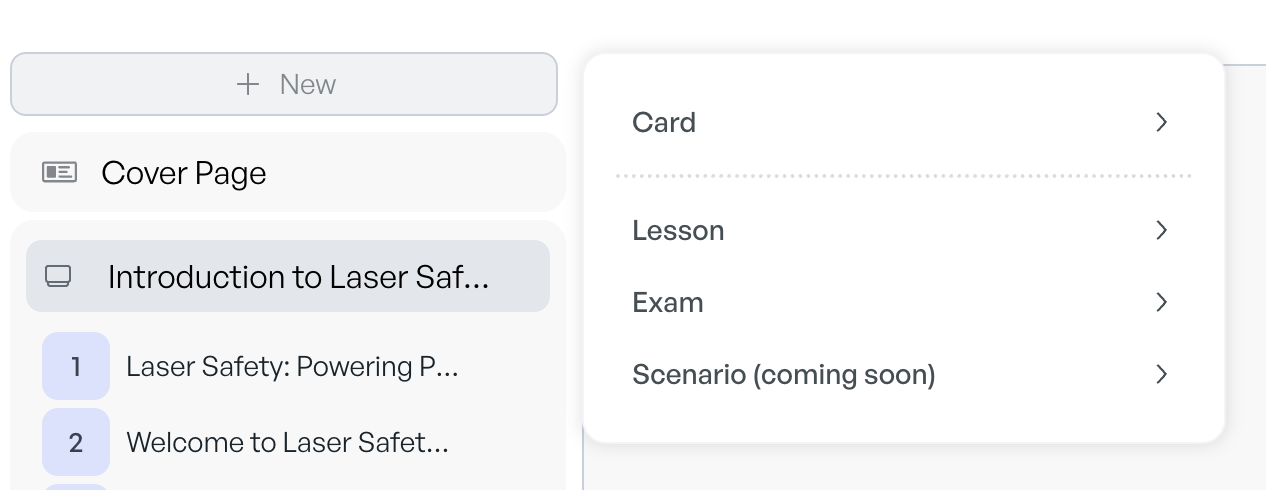
Click the [+ New] button in the top-left navigation.
Choose what you’d like to add: quiz, key takeaway, example, etc.
Optionally, enter a topic or prompt to guide AI. If left blank, CreateUpon will generate relevant content based on your course.
Use the settings panel at the bottom of the screen to regenerate content and adjust exam parameters

To add a blank card/lesson/exam, simply toggle off “Generate with AI”